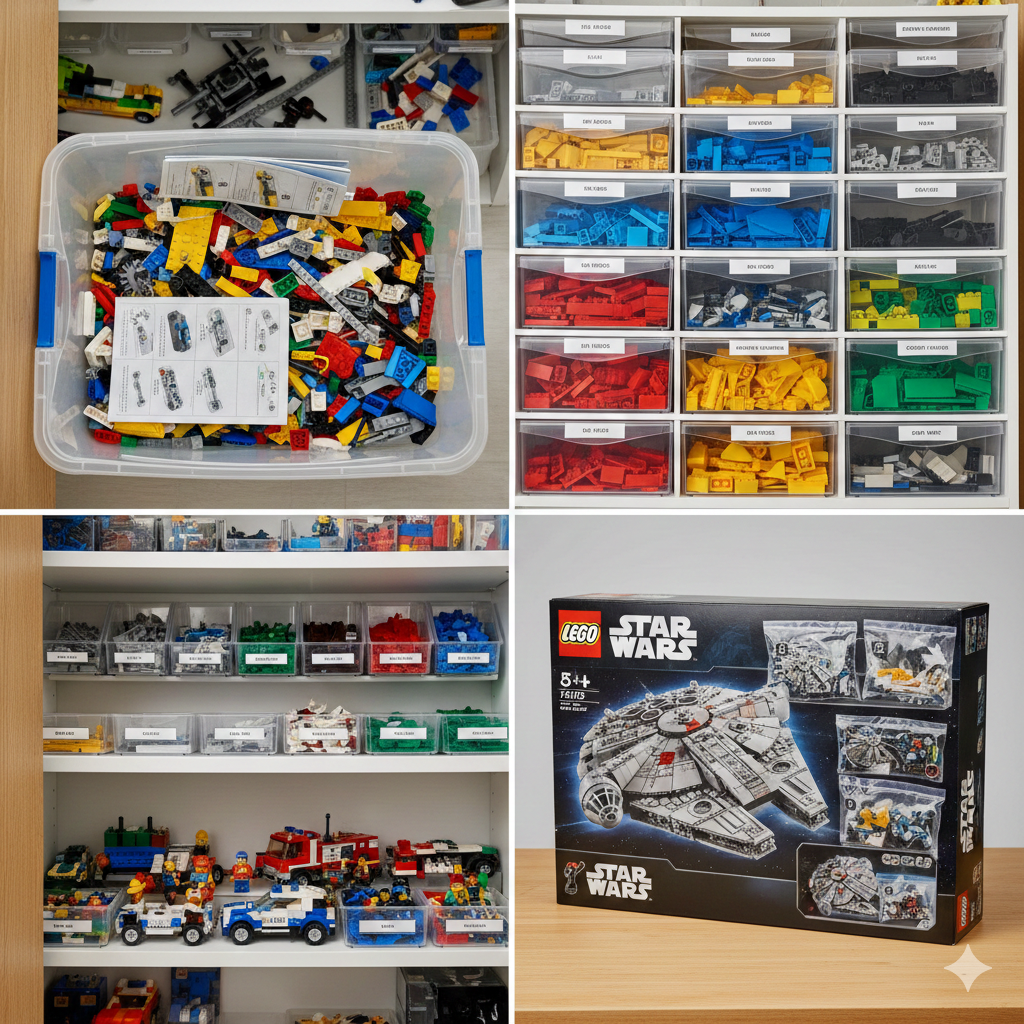
I have a lot of good memories of me and my brother sitting on the floor, playing with LEGO® when we were small. We still play with LEGO® as adults, if we get a chance and I use it from time to time to visualize things. When I got a question some time ago to explain some of the buzzwords that surrounds Datastorage, I used LEGO® as an example. This is a version of the explanation.
But first a little disclaimer. LEGO® is the trademark of LEGO System A/S and does not sponsor, authorize, or endorse this site or the opinion expressed herein. I just use LEGO as a mental model to express how data storage can be viewed and explained. Please don’t sue me. I love your products.
Me and my brother got quite a lot of LEGO® over our collective birthdays and Christmases. We could sit for hours on opposite sides of the huge crate, full of LEGO® pieces. Some of them broken, some of them Duplo and some of the stuff not even LEGO® or even plastic. The instructions for some of the sets could also be found there.
This is a Data Lake.
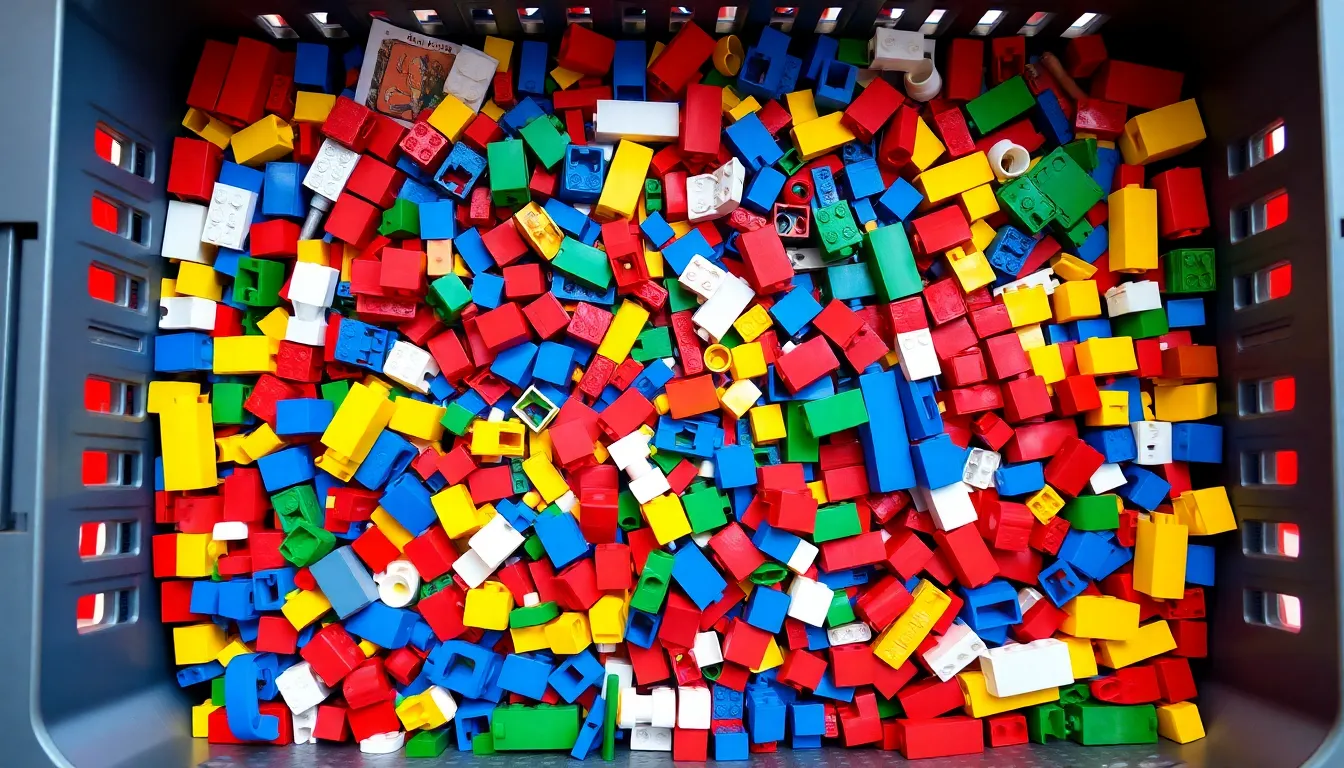
Nothing is sorted. It is just… stored. And that was the beauty of our LEGO® Lake. We just stored everything and figured out what we wanted to do later. Powerful for the imagination but it could be dangerous if someone forgot a half-eaten sandwich in there.
We managed to keep our sisters dolls out of the LEGO® Lake, and avoided to turn it into a Data swamp.
Examples of Data Lakes are Amazon S3 and Azure Data Lake (Doh!)
Sort things by type
From time to time, we got frustrated that we had to dig through all this unsorted LEGO®. So we sorted it; by color, by shape, by size. And we cleaned off all the sticky stuff from it. We also made sure that the instructions were found in their own place.
This is a Data Warehouse. A storage closet with sorted pieces.
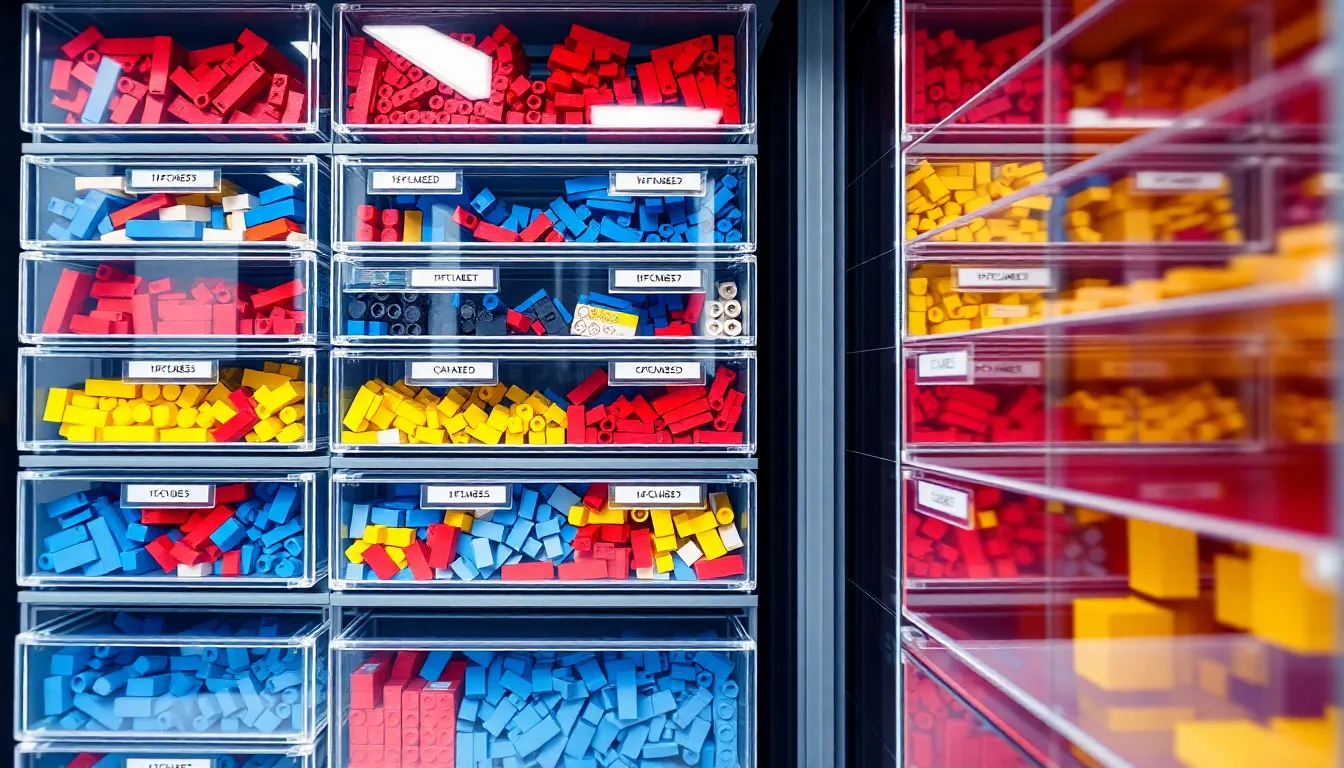
Now we could see how many red bricks we had or if there were any 2x6 left. We could find the special pieces to build the LEGO® Countach. Unfortunately, that request returned NULL and it still makes us sad.
This LEGO® Warehouse collected pieces from many different sets. It made it easy to report how much LEGO® of a type that was left and if we would have had a big enough storage box, we could have sorted it using multiple dimensions, like Gray - 2x4.
Examples of Data Warehouses are Snowflake, Amazon Redshift and Google BigQuery.
Sort things by theme
Inside the LEGO® Warehouse Closet, you could imagine smaller sections, shelves, where different themes of LEGO® are held together. Only Technic pieces on the top shelf, so that our short little sister could not reach them. Only LEGO® City on the bottom.
This is a Data Mart.
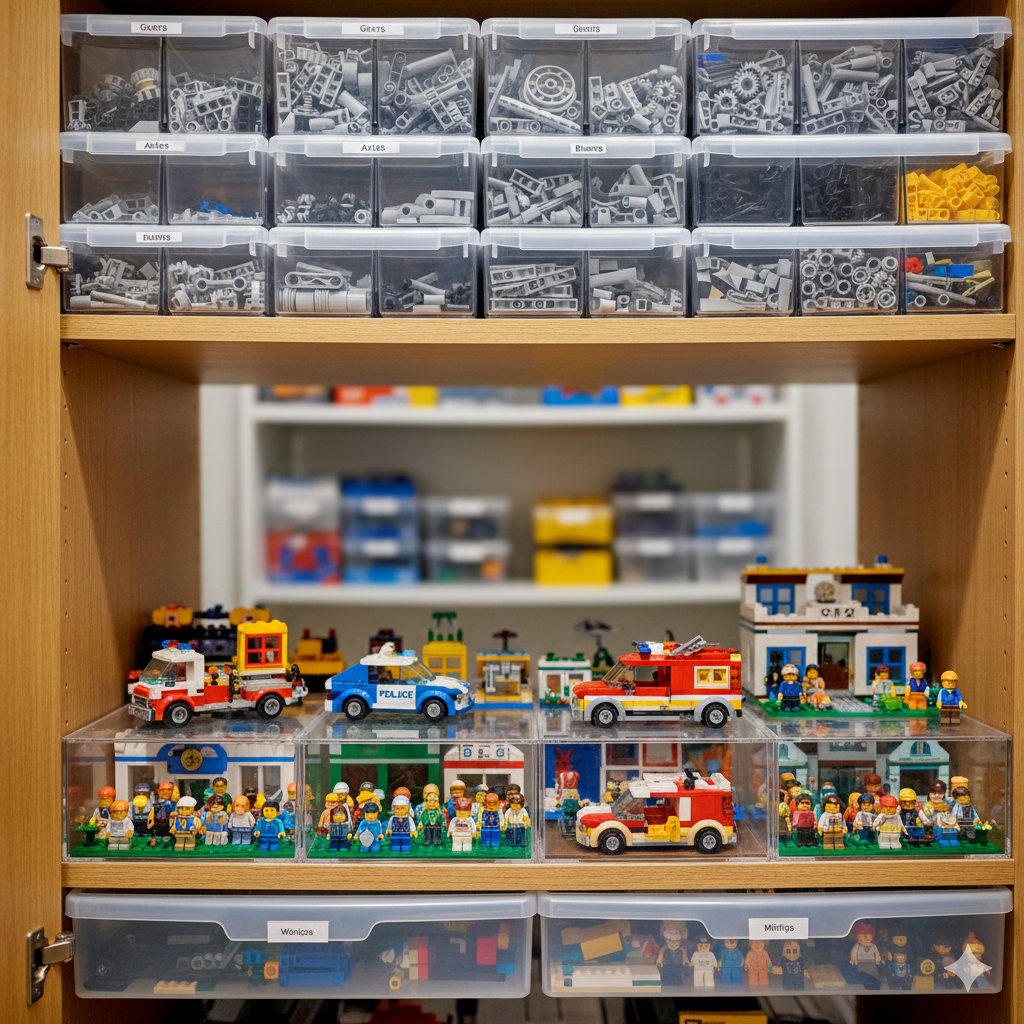
It is a subset of the Data Warehouse and focus on one department or specific usage. The purpose is to help one child be able to build a specific type of LEGO® quicker and to keep other children away. Like, we don’t want the Marketing Data Analysts accessing the Finance Data.
Sort things by set
When you get a new LEGO® Star Wars set, it comes in a specific box that contains all the pieces, sorted in different smaller plastic bags by build step, with clear instructions. It is built for one purpose alone: To build the Millennium Falcon.
This is a Database.
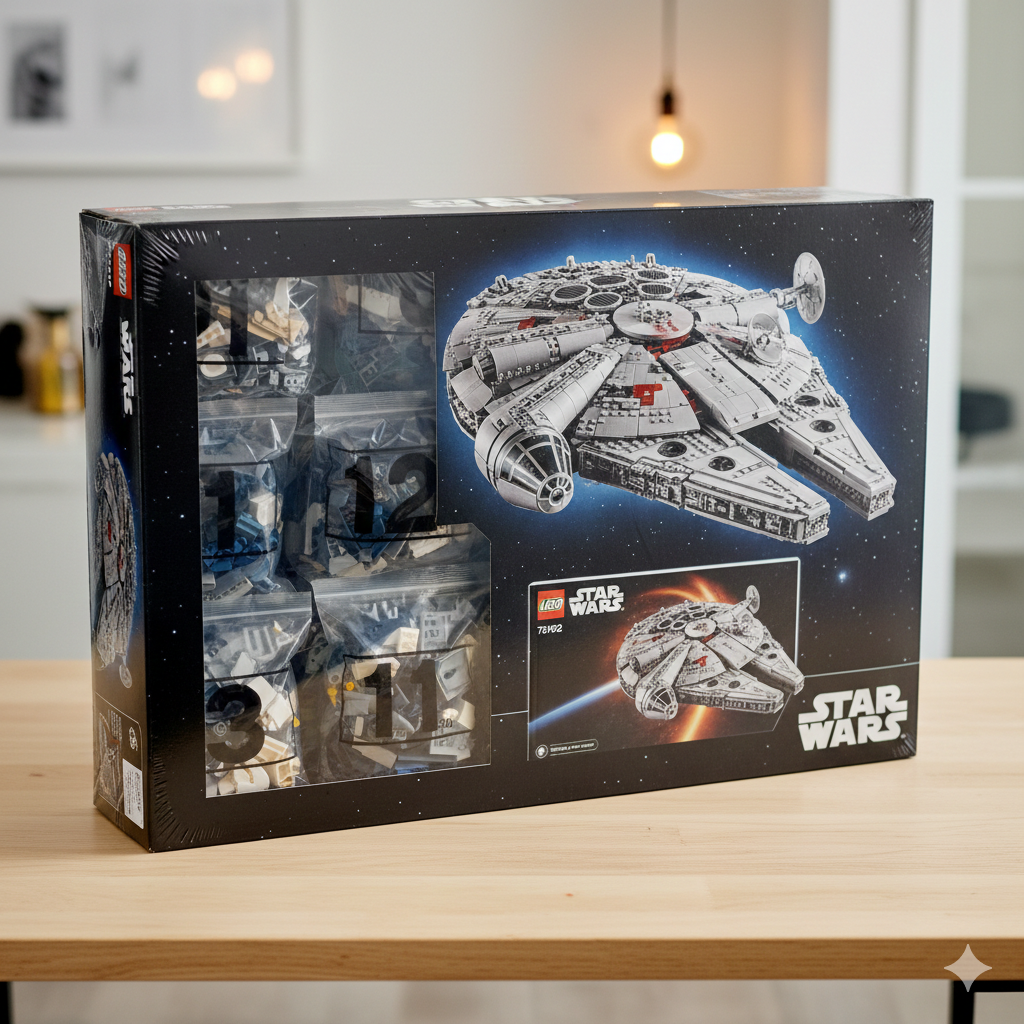
It is stored in a structured way, it is optimized for building exactly one thing and it has a specific set of transactions that has to be done in a specific way.
It also comes with LSMS, LEGO® Set Management System, also known as mother, who sets up strict permission rules for the set so that your siblings have READ-ONLY to it. It was also really good at finding that missing piece, since the indexing functionality was well developed. The only bad thing was when it used its SU privileges and deleted the half-built set from the kitchen table and dumped it into the Data Lake… (I will elaborate on this in another blog post).
TL;DR
Using LEGO® as an analogy for data storage concepts:
- Data Lake = Unsorted LEGO® crate with everything thrown in (Amazon S3, Azure Data Lake)
- Data Warehouse = Sorted LEGO® by color, shape, and size for easy reporting (Snowflake, Amazon Redshift, Google BigQuery)
- Data Mart = Themed sections within the warehouse for specific purposes (like Technic-only shelf)
- Database = Structured LEGO® set with specific pieces and instructions for building one thing (with strict management rules)